

Next Day Delivery
Available in Ireland
Available in Ireland

Click and Collect
In Store
In Store

We Service
What We Sell
What We Sell



Showing 141–160 of 383 resultsSorted by popularity
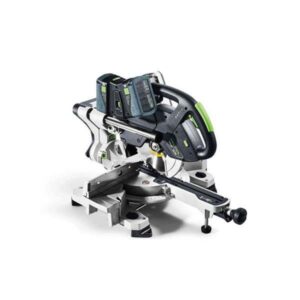
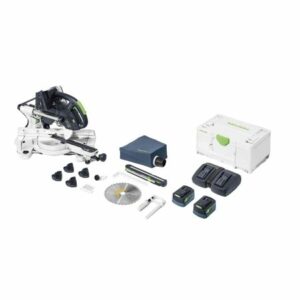
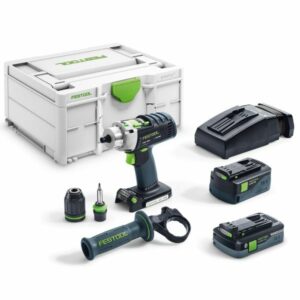
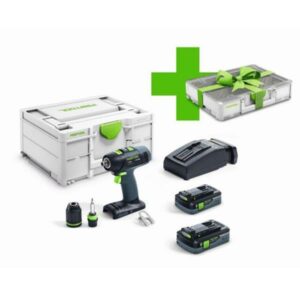
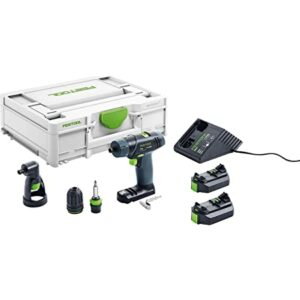
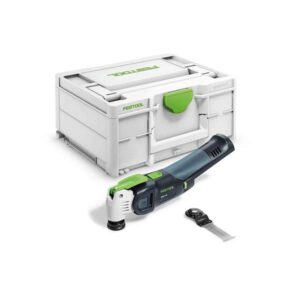
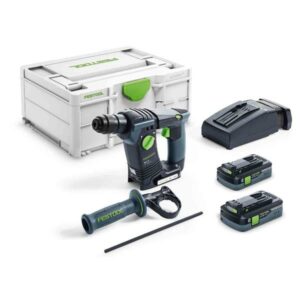
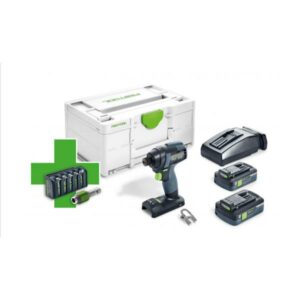
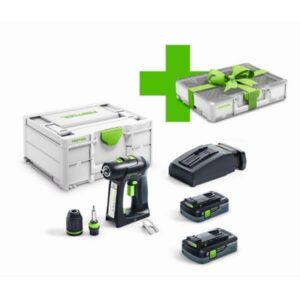
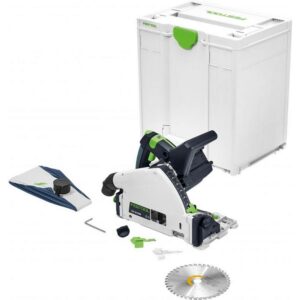
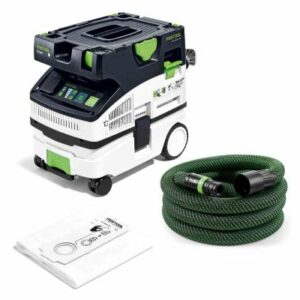

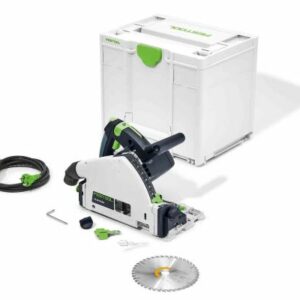
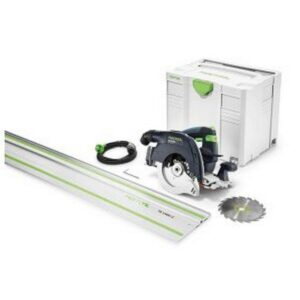
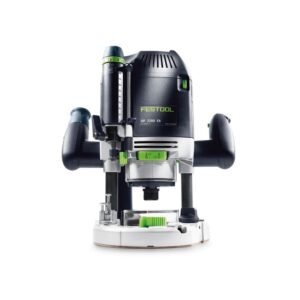
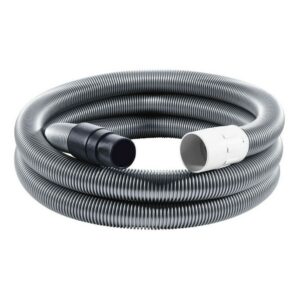
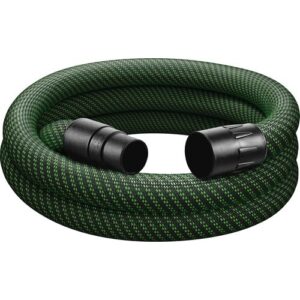
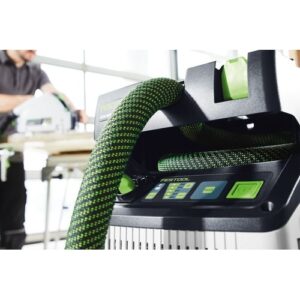
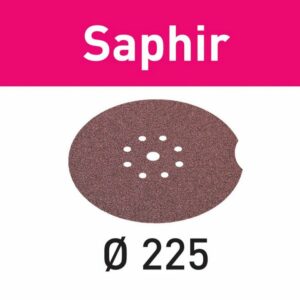
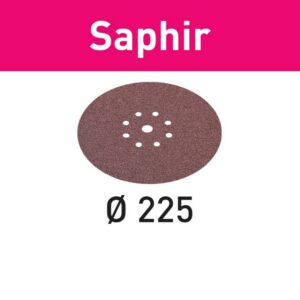
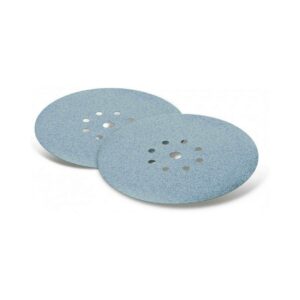

A joinery or fit-out task rarely ends with one operation. The material is cut, joined, trimmed, sanded and cleared down. Mapping those stages first helps identify where a Festool machine, extractor or accessory fits—and prevents a specialist purchase from being considered in isolation.
| Workflow stage | What to compare | Examples in this category |
|---|---|---|
| Cut and shape | Material, cut depth, blade or cutter format and power supply | Circular and mitre saws, routers and trimming machines |
| Join and edge | Joint method, workpiece size and supporting accessories | Joining machines, edge banders and trimming equipment |
| Prepare the surface | Finish required, sanding motion and abrasive size | Random orbital and orbital sanders, pads and abrasives |
| Control dust and organise | Extractor class, hose connection, voltage and site setup | CLEANTEC extractors, cleaning sets, filters and Systainer equipment |
Model codes that look similar can refer to different voltages, package configurations or generations. Use the individual listing to confirm the supplied components and current availability. If an accessory is being bought for equipment already in use, match its reference, measurements and connection details to the machine documentation rather than relying on the brand name alone.
Start with the complete task sequence. Identify the main operation, then consider extraction, consumables, power format and storage or transport requirements around it.
No single package format should be assumed. Check the exact product title and specification, particularly on Body Only, Basic, Plus and energy-set listings.
Compare the extractor model, hose or connection diameter and the accessory reference with the tool and extractor documentation before ordering.
They are different electrical versions. Select the voltage appropriate to your setup and confirm the voltage shown on the individual product page.